
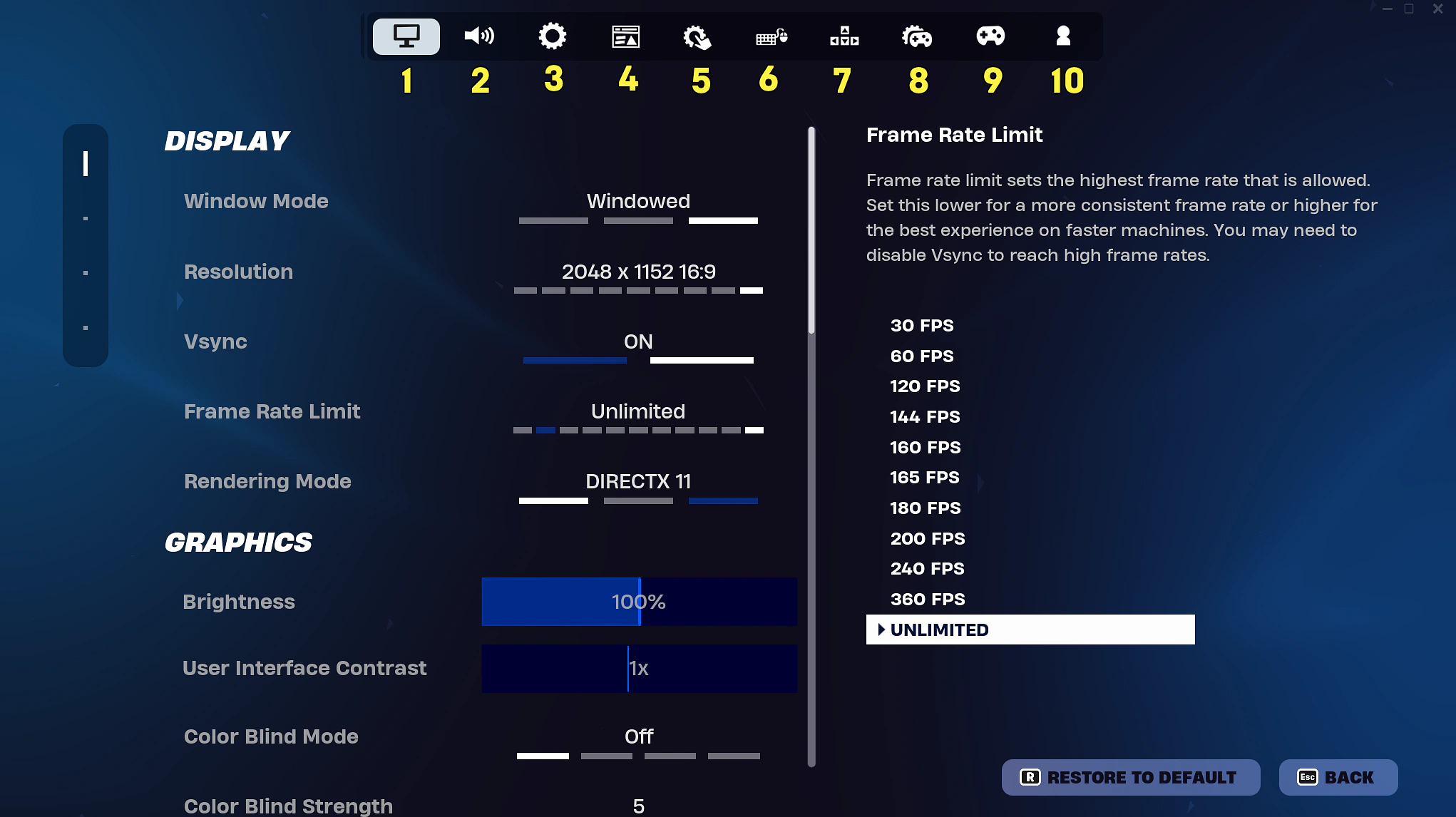
Playing Fortnite with friends across different devices depends on crossplay settings. Epic Games lists the steps to turn the feature on or off on PlayStation, while the Xbox section links to a separate cross-network play help article. Checking the correct platform instructions before changing account details can save a party from unnecessary connection troubleshooting and help friends get back into matchmaking. Check the Epic Games Support for the original details.
On PlayStation, start in the Fortnite lobby and open the Menu. Choose Settings, then the Account and Privacy tab. Under Gameplay Privacy, find Allow Cross Platform Play and choose Yes to enable crossplay or No to switch it off. These are Epic’s published instructions; menu labels may be updated by future versions of the game.
Third-party game imagery. Copyright belongs to the respective rightsholders. Used in an editorial context; reuse permission has not been independently verified.
Xbox players should follow Microsoft’s cross-network multiplayer and communication settings, which Epic links directly from its Fortnite support page. Epic does not describe an equivalent in-game PlayStation-style procedure for Xbox in that article. That is why copying instructions from a friend using another console can send players to the wrong menu when a cross-platform party stops working.
Turning crossplay off can change matchmaking. Epic says allowing other platforms generally reduces queue times, while disabling crossplay may leave some modes limited to Solo. That is worth checking when a group cannot find the expected playlist. Restoring crossplay is also a sensible first check before assuming a friend list or party invitation has broken.
One specific symptom has an official explanation. Epic’s support entry for Fortnite denial reason code 9 says it can appear when a party spans platforms and at least one player has crossplay disabled. Its recommended fix is to make sure every player in that group has crossplay enabled. The error does not necessarily indicate an account ban or loss of progress.
For other party failures, Epic’s error -91 guidance begins with service status, then suggests actions such as verifying PC files, checking console cache, enabling crossplay on PlayStation or Xbox, reviewing NAT and restarting hardware. Work through the official checks for the affected device before making account changes. Epic’s support pages are the reference when platform menus or crossplay rules change.