The biggest Minecraft buying decision is often about friends rather than graphics. Java Edition and Bedrock Edition share the familiar building and survival experience, but they use different multiplayer environments. If a friend plays on a console or phone, check their edition before setting up a shared world. Choosing the wrong one is the most common obstacle to playing together. Check the Minecraft for the original details.
Java Edition runs on Windows, macOS and Linux computers. Bedrock Edition covers Windows PCs alongside Xbox, PlayStation, Nintendo Switch and supported phones and tablets. A Windows 10 or Windows 11 purchase of Minecraft: Java & Bedrock Edition includes both PC editions, so those players can launch the version that matches their group. Other platforms do not offer Java Edition.
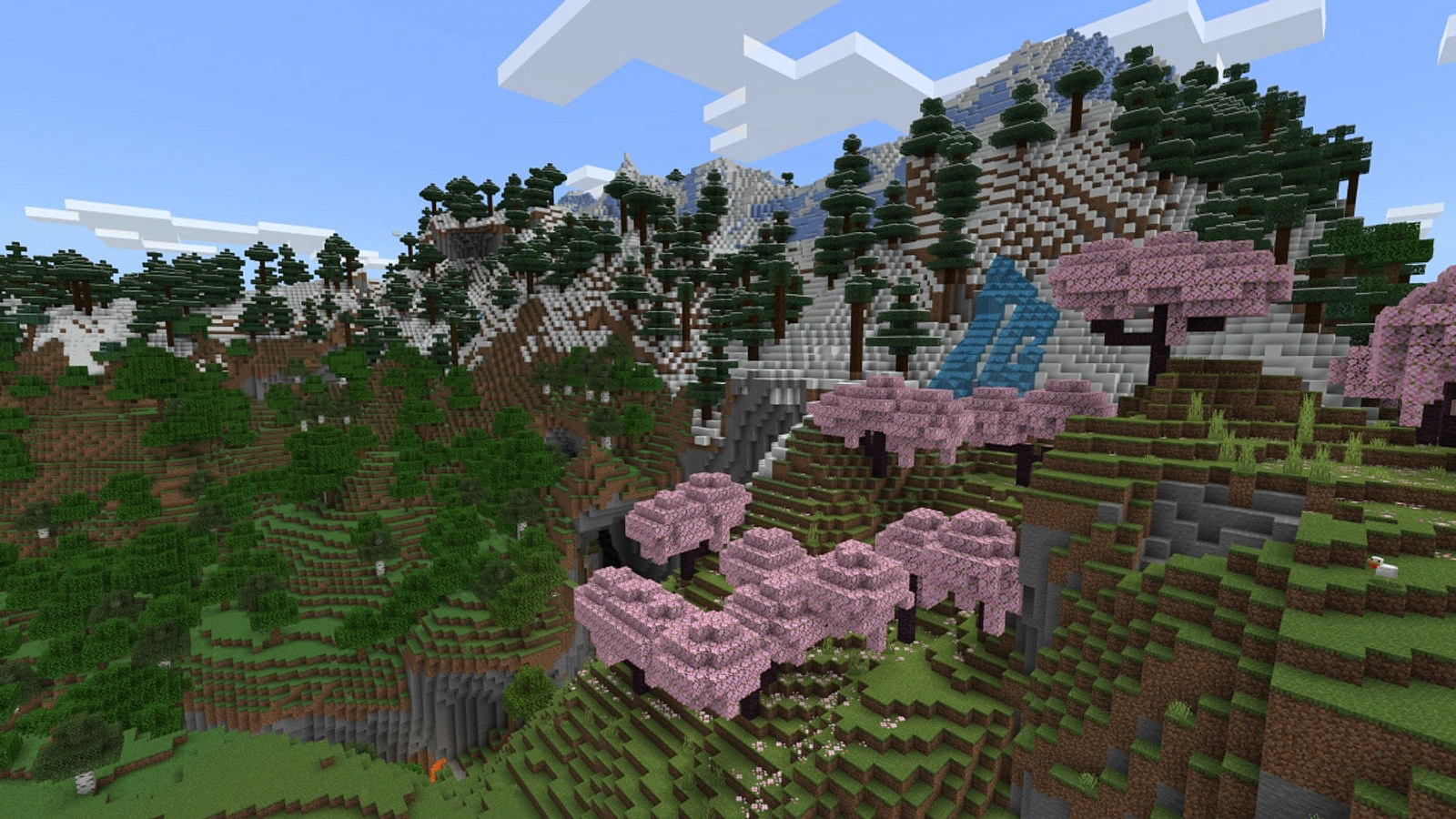
Third-party game imagery. Copyright belongs to the respective rightsholders. Used in an editorial context; reuse permission has not been independently verified.
Crossplay is the clearest dividing line. Bedrock players on different supported devices can join compatible Bedrock multiplayer worlds. Java players can connect with other Java players across supported computer operating systems. Minecraft says the two editions use separate servers, meaning a regular Java player cannot simply join a Bedrock Realm or multiplayer world. Owning both on PC means switching editions when necessary.
Server options also differ. Bedrock provides featured servers and supports private worlds, while Java players can explore a broader selection of third-party servers. Both versions support running a server. If friends want an easier hosted private space, Minecraft sells Java Realms and Bedrock Realms Plus as distinct subscription options. Their edition-specific servers do not remove the Java-versus-Bedrock multiplayer barrier.
Content customization is another useful decision point. Java has a large ecosystem of community mods, maps and skins distributed through third-party websites. These can change gameplay substantially, but downloads require care and may need version-specific setup. Bedrock players can use Minecraft Marketplace content, add-ons that alter game behavior or visuals, and the built-in Character Creator. The right choice depends on how much manual customization you want.
Major game updates arrive on both editions, according to Minecraft, though early testing works differently. Java uses snapshots available through the Launcher, and it can access older release versions. Bedrock uses preview or beta builds on supported platforms. Test releases may contain bugs or disrupt compatibility with stable multiplayer sessions. Back up important worlds before trying experimental releases, particularly on Java.
There are practical device differences beyond crossplay. Minecraft says local split-screen multiplayer is supported on console versions of Bedrock. Some console players may also need their platform’s online subscription to play over the internet, whereas PC online play generally requires only a connection. Those recurring costs can matter if the plan is to maintain a Realm or host regular sessions with distant friends.
For a household playing on consoles, phones and Windows PCs, Bedrock is normally the straightforward match. For a computer-focused group interested in third-party mods and Java servers, Java is a compelling route. Windows buyers who have access to the combined PC package can try both, but should still pick one edition for each shared world. Minecraft’s official comparison remains the best place to check supported devices.